Permissions
Goal
Scope which rows a user can reach and which actions they may perform. Rules
registered in djcrud.py with add_perm() are shared across
every CRUD surface: HTML pages, the API (DRF ViewSets), and MCP
agents that proxy Bearer calls to /api/.
The djcrud_example.security_example app demonstrates this on a single
Document model at /secured-document/.
Expected behavior
User |
list/detail |
create |
update/delete own |
update/delete others |
|---|---|---|---|---|
Anonymous |
all rows visible |
denied |
denied |
denied |
Authenticated |
all rows visible |
allowed |
allowed |
denied |
Permission registry
build() imports every djcrud.py module. Register rules,
then append the router:
import djcrud
from djcrud.permissions import authenticated

from .models import Document

# all can view all
djcrud.permissions.add_perm(Document, "view", check=lambda user, **ctx: True)
# authenticated can add
djcrud.permissions.add_perm(Document, "add", check=authenticated)


# change/delete only your own
def secured_document_change(user, *, obj, **ctx):
    return user.is_superuser or obj.owner_id == user.pk


djcrud.permissions.add_perm(Document, "change,delete", check=secured_document_change)


def can_publish(user, *, obj, **ctx):
    return obj.owner_id == user.pk and not obj.published


djcrud.permissions.add_perm(Document, "publish", check=can_publish)


# drafts visible only to owner and superuser
def document_queryset(user, *, model, action, perm, obj, **kwargs):
    qs = model.objects.all()
    if user.is_superuser:
        return qs
    if not user.is_authenticated:
        return qs.filter(published=True)
    return qs.filter(published=True) | qs.filter(owner=user)


djcrud.permissions.add_queryset(Document, scoper=document_queryset)


class SecuredDocumentCreateView(djcrud.views.CreateView):
    def form_valid(self, form):
        form.instance.owner = self.request.user
        return super().form_valid(form)


class PublishView(djcrud.views.ObjectFormView):
    permission_shortcode = "publish"
    title = "Publish"
    icon = "send"
    color = "success"

    def form_valid(self, form):
        self.object.publish()
        return super().form_valid(form)


class SecuredDocumentRouter(djcrud.ModelRouter):
    model = Document
    icon = "shield-lock"

    routes = djcrud.ModelRouter.routes[:-1] + [
        SecuredDocumentCreateView,
        PublishView,
    ]


djcrud.site.routes.append(SecuredDocumentRouter)
view— everyone (lambda …: True);add_querysethides drafts from strangers (published rows only, unless owner or superuser).add— authenticated users only.change/delete— owner or superuser (secured_document_change).publish— owner of a draft only (can_publish).
Try it
Log in as two users (see Install djcrud), create documents with different owners, and visit http://localhost:8000/secured-document/.
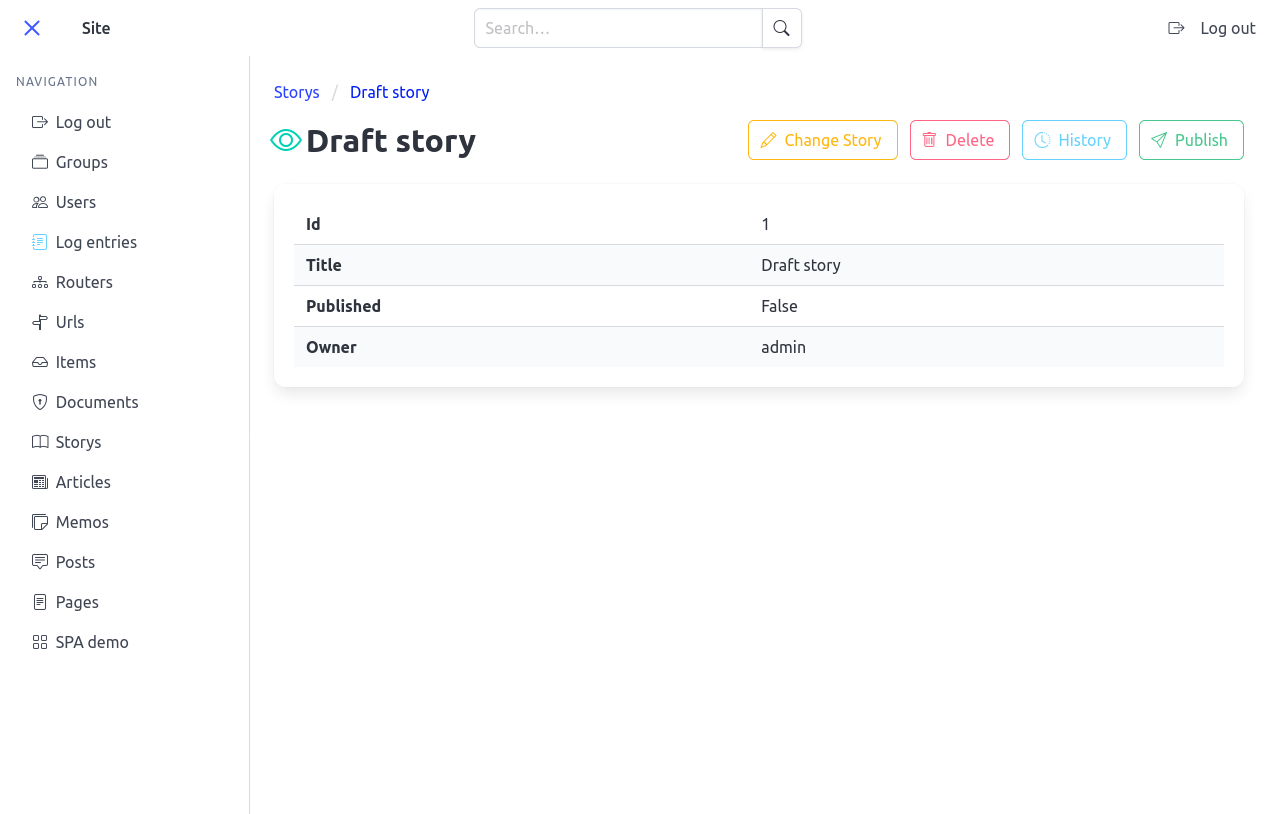
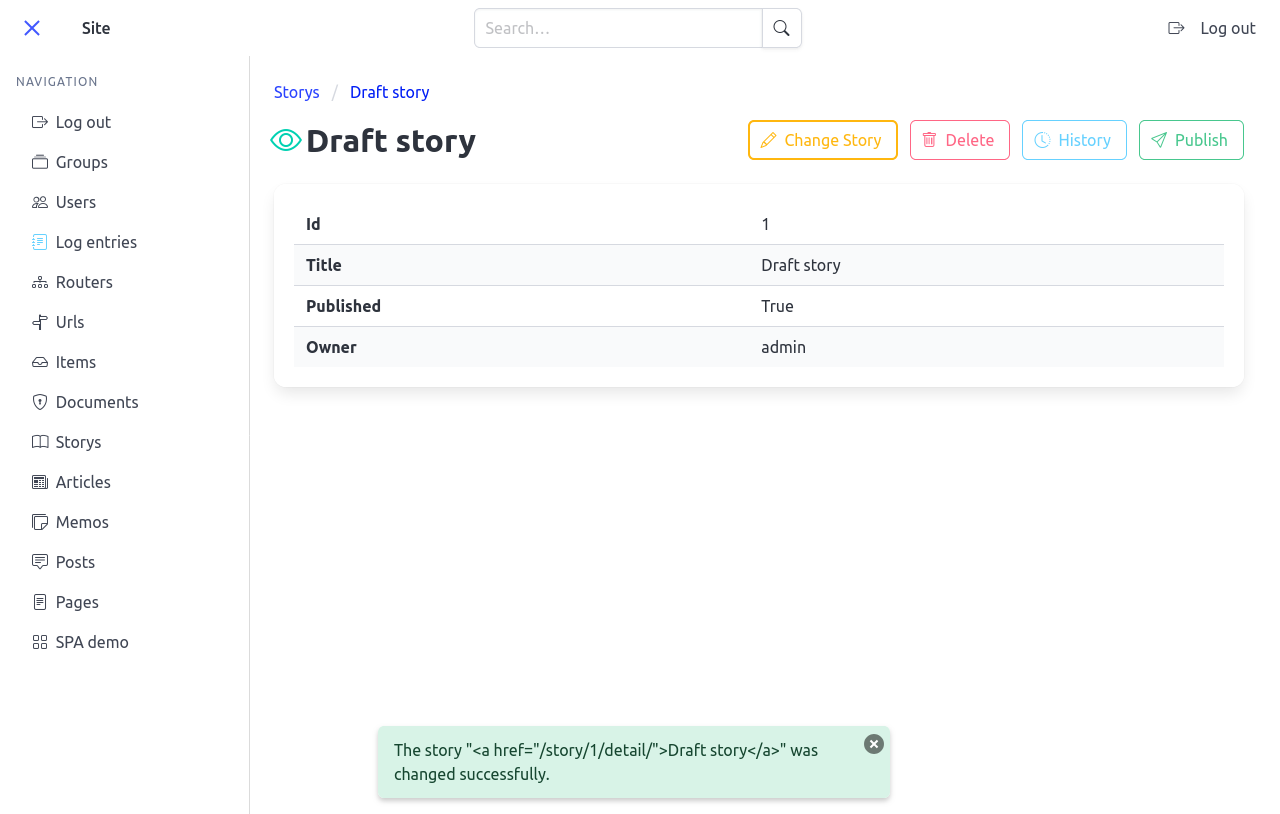
For Publish, open a draft you own at http://localhost:8000/secured-document/<pk>/.
Tests
Next: DRF API adds an optional JSON API; SPA shell adds the SPA shell and client codegen.